Floor Stand vs Desktop Stand for Kindle: Which Suits Your Reading Position?
Most people buy a stand and then spend a fortnight rearranging cushions around it. Start the other way round: with the chair, the bed or the desk you actually read in. Floor stands and desktop stands solve genuinely different problems, and once you know which problem is yours, the decision takes about a minute.
Start with where your body actually is
Three questions before you open a product page. Where do you read for more than twenty minutes at a stretch? How far is your face from the screen in that spot? And how much space can you give up permanently — floor or desk — without annoying yourself or anyone you live with?
If the honest answer is a sofa with your hands full, a floor stand usually wins. If it's a chair at a table, a desktop stand does the job with far less furniture in the way.
It helps to picture two readers. One reads at the kitchen table with a coffee, a notebook and both feet on the floor. The other reads in a recliner with a blanket, a cat and no free hands. The first reader needs a small, stable platform that keeps the screen close. The second needs an arm that reaches over the blanket and holds the Kindle where their eyes already rest. Same device, opposite problems.
Desktop stands: compact, adjustable, close to hand
A desktop stand is a small platform with a hinged back. It sits on a table, lifts your Kindle a hand's width, and tilts it towards you. The good ones have a weighted base, a rubberised lip to stop the device sliding, and joints you can tighten by hand.
At a desk they're hard to beat. The screen ends up close enough to read without leaning in, the angle is easy to nudge as the light changes, and when you finish you fold it flat and drop it in a drawer. They travel well, too. A student reading a set text at a library table, a commuter using a café table, or someone who reads at the same kitchen spot every morning will all get more use from a desktop stand than from a floor stand.
Their limit is reach. A desktop stand can't lift a screen to eye level while you're sunk into a sofa, and it can't hover over a duvet. Read in bed with one on a bedside table and you'll spend the evening holding it at an angle that suits neither your neck nor your wrist. If you have to stack it on cushions or hold it with one hand to make it work, the stand is solving the wrong problem.
Floor stands: reach, height and hands-free reading
A floor stand trades floor space for reach. The usual designs are a weighted base with a long arm or gooseneck, a clamp that grips a desk edge or bed frame, or a flat foot that slides under a bed or sofa. The arm carries the holder up to seated eye level and often across a fair distance, so the Kindle sits where you're looking rather than where a table happens to be.
That reach is the point: both hands free for eating, knitting, holding a mug, or simply resting. It is also the only sensible answer if you read in a recliner, on a sofa with your legs up, or in bed with the covers pulled high. A gooseneck floor stand can curve over a chair arm; a boom-style arm can swing across a bed; a clamp stand can attach to a headboard and leave the floor clear.
The trade-offs are footprint and fiddliness. A floor stand lives in the room, visible when you're not using it and awkward to put away. In a small flat, a weighted base is something to walk around. Arms droop over time if the joints aren't tightened, and a long arm bounces slightly when you tap the screen. If you turn pages by tapping, that bounce can be irritating; a Bluetooth page-turner or remote solves it, but it is another thing to buy and charge.
Quick checks before you buy either type
- Base type: weighted bases are steadier on hard floors, less happy on thick carpet. Clamp bases are firmer but need a lip of a few centimetres to grip.
- Joints: hand-tightened knobs adjust quickly; hex-key joints hold better but need a tool nearby.
- Padding: clamps should have rubber pads to protect furniture and stop the holder scratching your Kindle. Cheap metal edges can leave marks on a case or a table.
- Weight and size: check the stand's maximum load and holder width. A Kindle Paperwhite is light, but a Kindle Scribe is heavier and wider. A stand that holds a phone may not hold a large e-reader safely.
- Cable route: if you charge while reading, look for a clip or channel that keeps the cable from pulling the arm out of position.
Measure the reach you actually need
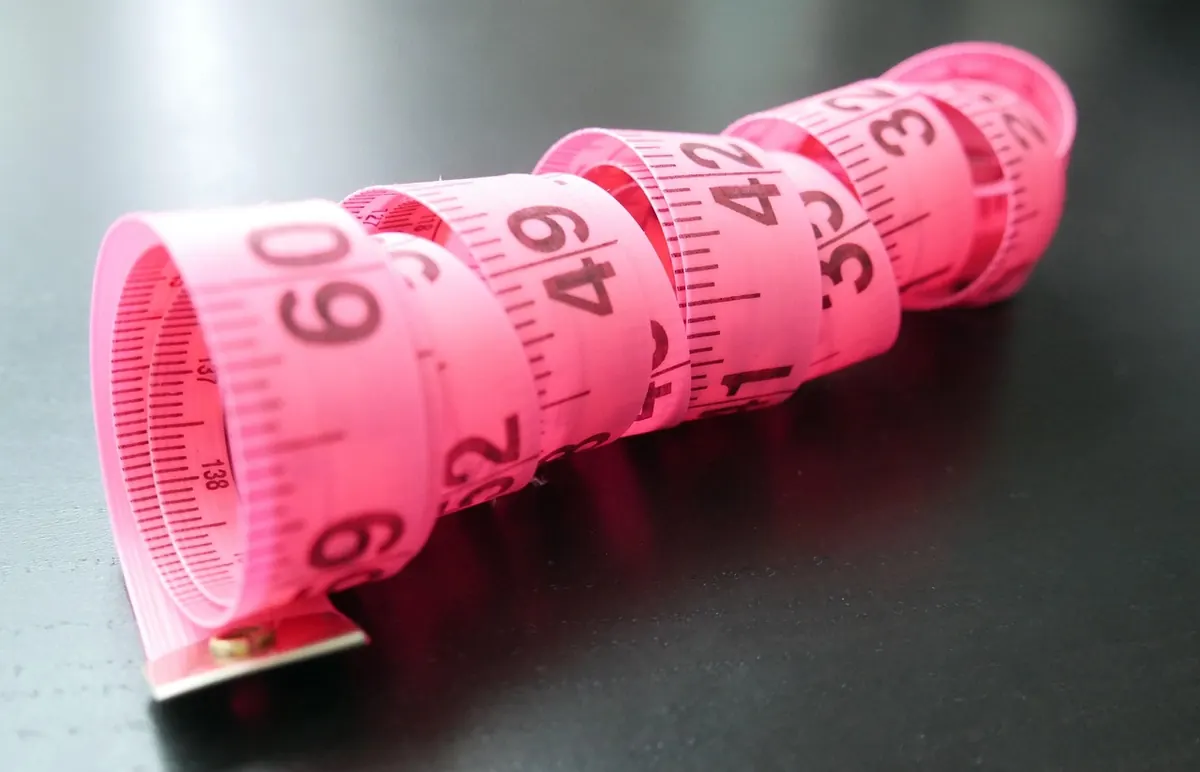
Before you buy either type, do one five-minute measurement in your usual reading spot. Sit as you normally sit. Measure from the floor to your eyes if you are considering a floor stand, or from the tabletop to your eyes if you are considering a desktop stand. Then measure the horizontal distance from where the stand will sit to where your face is.
As a rough guide, a desktop stand adds 15 to 30 centimetres of height and almost no reach. A floor stand may need to lift the Kindle 60 to 90 centimetres from the floor and reach 40 to 60 centimetres towards you. If your bedside table is 60 centimetres high and your eyes are at 110 centimetres when you are propped on pillows, a desktop stand will still leave the screen well below your eyeline. A clamp stand on the bed frame or a floor stand with a long arm will close that gap.
Write the numbers down and compare them with the product's maximum height and arm length. A stand that is five centimetres short will annoy you every single evening.
Kindle size, cases and page-turning
Not all Kindles are the same. A basic Kindle or Paperwhite is light enough for almost any stand. A larger Scribe needs a wider holder, stiffer joints and a base that will not tip when the screen is tilted. If your Kindle lives in a thick case, measure the total thickness before choosing a clamp. Some holders grip the device itself; others grip the case. A metal-backed Kindle can slide in a hard plastic holder, so rubber padding matters.
Think about how you turn pages, too. If you tap the screen, you will push against the stand. A short desktop stand barely moves. A long floor arm may wobble. A remote page-turner, a foot pedal or a Bluetooth clicker can turn a wobbly stand into a comfortable one, especially for readers with limited hand strength or anyone who likes to read with their hands under a blanket.
Shared space, pets and real rooms
A floor stand is furniture, whether you think of it that way or not. In a shared living room, a large black boom arm can look out of place. A desktop stand can be folded and hidden in seconds. A clamp stand leaves only a small mount behind. If you have curious pets, a weighted base can be knocked over; a clamp can be bumped; a gooseneck can be batted. The safest choice is the one with the lowest centre of gravity and the fewest loose parts in the path of a tail.
If space is tight, measure the floor footprint, not just the arm length. A 30-centimetre weighted base in a narrow gap between sofa and wall will be a daily obstacle. An under-bed slide-in foot may be invisible, but it needs a gap under the bed and a smooth floor to slide on.
When a hybrid or a second stand makes sense
You do not always have to choose one type for your whole life. Some readers keep a desktop stand at the desk and a clamp stand by the bed. Others buy a clamp stand with two bases — one for the desk edge, one for the bed frame — and move only the arm. That is more fiddly than buying two cheap stands, but it takes less storage space.
A clamp-on stand can be the best of both worlds if you have a suitable edge. It reaches like a floor stand without taking floor space, and it can be swung out of the way when not in use. The catch is that it needs a solid lip of a few centimetres, and it can mark soft wood or painted furniture if the padding is thin.
A simple decision rule
- If you read at a table or desk with the screen close, choose a desktop stand.
- If you read on a sofa, recliner or bed with your hands busy or your legs up, choose a floor stand or clamp stand.
- If you need to hide the stand between reads, choose a desktop or clamp model.
- If you need to move it between rooms often, choose a desktop stand or a lightweight clamp stand.
- If your Kindle is large or in a thick case, check the holder and joint strength before anything else.
Buy for the position you actually hold for an hour, not the one you imagine using for five minutes.
The right stand should disappear into your routine. You should not have to rearrange cushions, hold the screen with one hand or crane your neck. Get the height and reach right, and the choice between floor and desktop becomes obvious. Get them wrong, and no amount of adjustment will make either one comfortable.
Photo: freestocks-photos / Pixabay