A sleeve is one of the kindest things you can buy for a Kindle. It keeps dust off the screen, cushions the corners in a bag, and makes the whole thing feel more like a book. But sleeves are sold by screen size, and your Kindle is not a screen — it's a screen plus a bezel, plus a plastic shell, plus whatever case you've clipped onto it. Buy by the label alone and you'll end up with something too tight to slide in or so loose that your Kindle rattles around like a pebble in a tin can. The fix takes five minutes, a ruler, and a little patience.
Why the Screen Size on the Box Is Misleading
When a seller lists a "6-inch sleeve" or a "7-inch sleeve," they are almost always referring to the diagonal measurement of the display — the same number Amazon prints in the product name. That number tells you nothing about the outer edges of the device. Two Kindles with identical 6-inch screens can differ by half an inch in width because one has thicker bezels or a chunkier, grip-friendly back.
There's a second wrinkle: sleeve makers rarely agree on what "fits" even means. Some quote the interior dimensions of the pouch. Some quote the exterior footprint and leave you to guess. Some quote nothing at all and rely on a model name that may or may not match the generation of Kindle you actually own. Measuring your own device removes all of that guesswork.
A quick example
The 2018 Paperwhite and the 2021 Paperwhite both feel like "Paperwhites," but the 2021 model has a 6.8-inch screen and is noticeably taller and wider than its predecessor. A sleeve cut snugly for the older model will grip the newer one so tightly that you'll be peeling fabric off the screen every time you slide it out. Same brand, same family, wrong fit.
What You'll Need
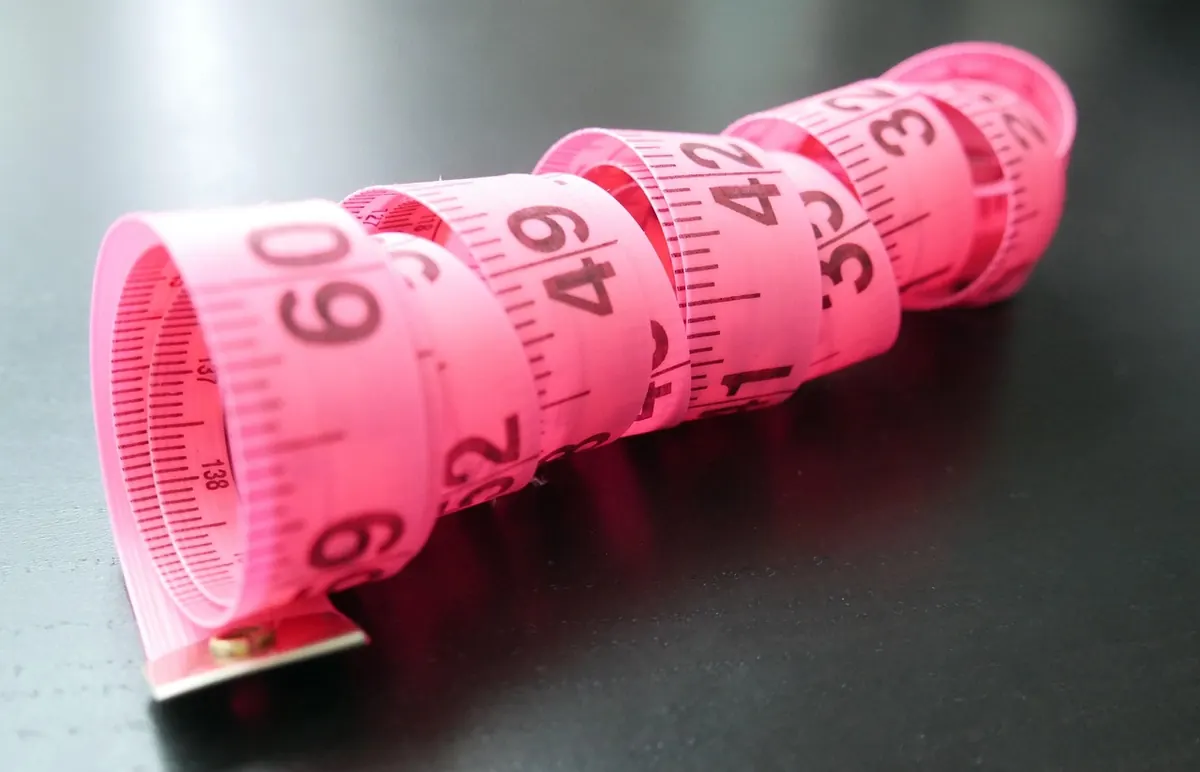
- A rigid ruler or a soft tape measure (a cloth tailor's tape is easiest for thickness)
- A sheet of paper and a pencil, or a notes app on your phone
- Your Kindle, with the case on if you plan to keep it on
- Optional: a kitchen scale, if you want to compare a heavy folio against a slim shell
How to Measure Your Kindle, Step by Step
- Decide what you're measuring. If you read mostly on the bare device, measure the bare device. If you keep a case on, measure the Kindle inside that case. Sleeves are rarely interchangeable between the two.
- Measure the height from the top edge to the bottom edge along the long side. Hold the ruler flat against the back so it doesn't bow.
- Measure the width across the short side, edge to edge, at the widest point.
- Measure the thickness at the thickest point, which is usually the button edge on an Oasis or the spine of a folio case. Round up, never down.
- Check the corners. Some Kindles have rounded corners; some cases have chunky corner bumpers. If yours do, add a small allowance — about 1/8 inch — so the sleeve's seams don't fight the corners.
- Write it down as H x W x D and keep the note. You'll want it again when you shop for a second sleeve, a stand, or a travel case.
Rule of thumb: the sleeve's interior should be at least 1/4 inch wider and 1/4 inch taller than your Kindle, and at least 1/8 inch thicker. Less than that and you're wrestling; much more and you lose the protection you paid for.
Approximate Dimensions of Popular Kindles
These figures are rounded and drawn from manufacturer specs. Use them as a sanity check, not a substitute for measuring your own device — manufacturing tolerances and aftermarket cases will shift the numbers slightly.
- Kindle (2022, 11th gen, 6"): about 6.2 x 4.3 x 0.32 inches
- Kindle (2019, 10th gen, 6"): about 6.3 x 4.5 x 0.34 inches
- Kindle Paperwhite (2024, 12th gen, 7"): about 7.0 x 5.0 x 0.3 inches
- Kindle Paperwhite (2021, 11th gen, 6.8"): about 6.9 x 4.9 x 0.32 inches
- Kindle Paperwhite (2018, 10th gen, 6"): about 6.6 x 4.6 x 0.3 inches
- Kindle Oasis (2019, 7"): about 6.3 x 5.6 inches, tapering from roughly 0.13 to 0.33 inches thick
- Kindle Scribe (2022, 10.2"): about 9.0 x 7.7 x 0.22 inches
Notice how much they scatter. A 6-inch Kindle and a 7-inch Paperwhite differ by less than an inch in width, but an Oasis is nearly an inch wider than a Paperwhite with the same diagonal screen. That's the whole argument for measuring rather than trusting the label.
The Paper Test: Try Before You Buy
If you're shopping in person, or you already own a sleeve and want to know whether a second Kindle will fit, cut a rectangle of stiff paper or thin cardboard to your measured height and width. Slide it into the sleeve. It should go in with light resistance and come out without dragging. If the paper buckles, the sleeve is too small. If it drops straight to the bottom and flops around, size down.
Online, you can run the same test in reverse: compare your numbers against the seller's stated interior dimensions and ignore everything else. If the listing only gives exterior measurements, subtract roughly 1/4 to 3/8 inch per side for fabric and seams — or message the seller and ask. A good maker will answer.
Common Mistakes to Avoid
- Buying by model name only. "Paperwhite" has meant at least four different sizes since 2012.
- Forgetting the case. A magnetic folio can add a quarter inch in every direction.
- Relying on elastic to fix a bad fit. Bands and drawstrings can compensate for a slightly loose sleeve, but they can't rescue a tight one.
- Ignoring the closure. A zipper eats interior space; a flap doesn't. Measure for the room you'll actually have.
- Assuming thinner is better. Wool felt, padded neoprene, and thin cotton all protect differently. Match the material to how you carry the device.
Fit vs. Protection: Finding the Right Balance
A perfect fit isn't the tightest fit. You want enough room to slide the Kindle in one-handed, with a millimeter or two of slack so grit and crumbs can't get wedged between fabric and glass and grind away at the screen. Too loose, though, and the device shifts with every step you take, which is its own kind of wear.
If your measurements land between two sizes, size up and fold a microfiber cloth inside as a buffer. It doubles as a screen wipe and gives you a little adjustability if you later switch cases. And if you're planning an upgrade — say, from an older Paperwhite to a newer one — measure the newer device before you buy the sleeve, not after.
Five minutes with a ruler beats a return label every time. Measure the device you actually carry, write the numbers down, and you'll end up with a sleeve that feels made for it — because in every way that matters, it will be.
Photo: marshmallowpanda / Pixabay